Drive a Bed Downhill Mobile Tips
Landscape layout, thumb maps, and the double-tap brake drift that keeps phone runs competitive with keyboard lobbies.
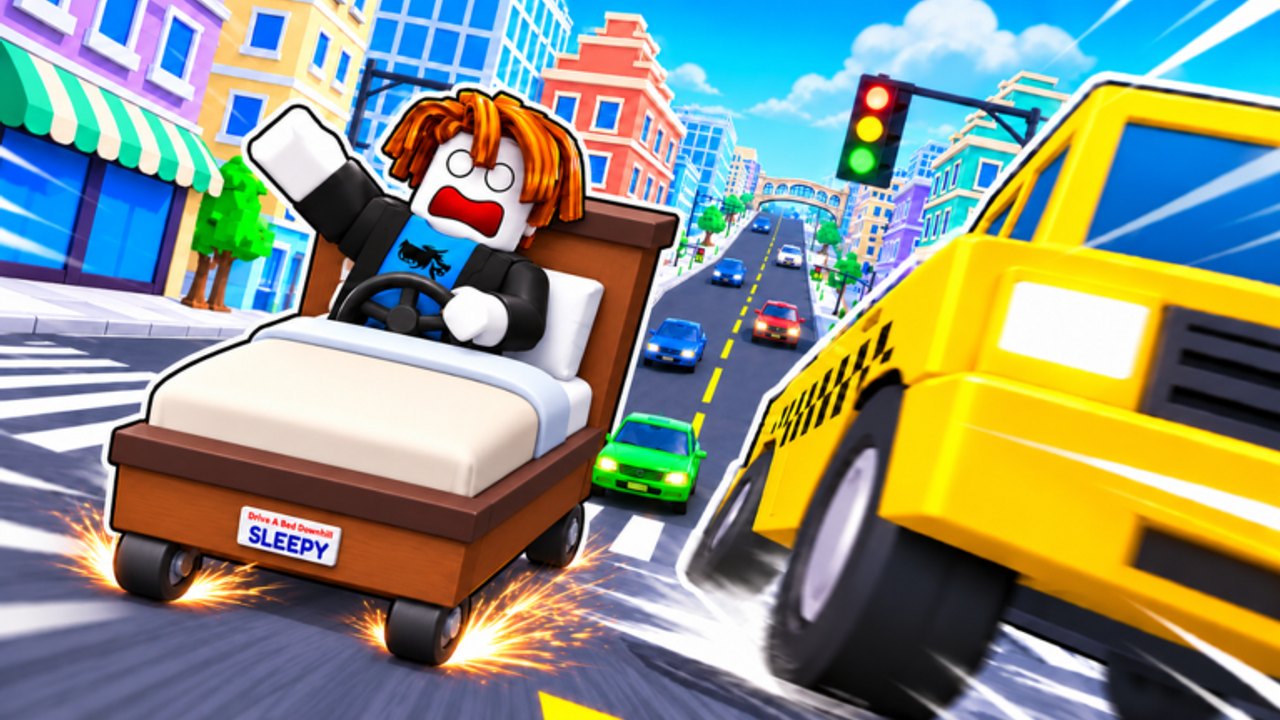
Plenty of Drive a Bed Downhill players race entirely on phones and tablets. Mobile is fully supported with on-screen steer, gas, brake, hop, and boost, plus a special drift gesture. This guide focuses on thumb ergonomics, HUD clarity, performance, and when to reset so touch players finish forests, farms, canyons, and city traffic as often as PC lobbies.
Read the binding tables on controls first, then use getting started for your opening session plan. Biome pacing lives on map and biomes; recovery habits sit in tips and tricks.
Mobile control reminder
| Control | Action |
|---|---|
| Left / Right | Steer |
| Gas | Accelerate downhill |
| Brake | Slow before landings and traffic |
| Hop | Clear props, ridges, and canyon lips |
| Boost | Extra speed on safe straights |
| Double tap + hold brake | Drift |
PC players get Shift for drift. On mobile, the double-tap-and-hold brake gesture is the entire cornering school—practice it before chasing personal bests.
Landscape first
Portrait mode stacks buttons into your thumbs and hides horizon. Flip to landscape every serious session so:
- Left and right steer zones have space.
- Gas and brake do not overlap hop.
- You see city intersections earlier.
- Camera framing matches the downhill fantasy instead of a vertical tunnel.
If Roblox UI scale feels huge, lower other overlays and close chat until the run ends.
Thumb placement map
A reliable default for right-handed players:
- Left thumb — steer pad only.
- Right thumb — gas primary, brake secondary, hop as a quick tap, boost as a deliberate press on known straights.
Left-handed players mirror the layout. The failure mode is the same either way: one thumb trying to gas, brake, hop, and boost in the same canyon second. Separate roles before the mountain starts.
City-specific thumb rule
In traffic, pre-assign: right thumb owns brake/drift gesture; hop is a planned tap, not a panic mash. Boost stays locked until the avenue is clear. That discipline matches the city section of map and biomes.
Mastering double-tap + hold brake drift
- Approach the corner slower than your ego wants.
- Double tap brake, then keep holding.
- Steer through the arc with the left control.
- Release brake to snap toward the exit.
- Only then tap gas; boost comes later if the exit is long and empty.
Drill this on an empty lobby stretch for five minutes. If you only “kind of” know the gesture, city blocks will eat the bed.
Common mistakes:
- Single tap brake (you just slow down).
- Double tap without hold (no sustained drift).
- Boosting while still holding the drift brake (you invent a spin).
- Starting the gesture halfway through the corner (too late).
HUD and readability tips
- Keep Codes and shop widgets closed while racing; reopen between runs.
- Dim brightness only if glare forces it—dark screens hide farm ridges.
- Mute non-essential notifications on the device OS so a banner does not steal a hop frame.
- After any Roblox client update, re-check that boost and hop buttons still respond before a Cash farm block.
Performance tips that save runs
Mobile lag feels like bad steering. Reduce variables:
- Close background apps and downloads.
- Prefer Wi-Fi with stable ping over congested cellular when pushing PBs.
- Lower Roblox graphics if frames hitch in city traffic.
- Avoid overheating pockets—thermal throttle mid-canyon is a free wipeout.
- Rejoin a fresh server if the instance feels rubber-bandy; stale lobbies waste earn Cash time.
When input delay appears, trust reset more, boost less.
When to reset on mobile
Reset exists so doomed beds stop burning the clock. On mobile, the reset control is easy to miss under panic thumbs—practice finding it cold.
Reset immediately when:
- You are airborne toward void with no landing.
- The bed is upside down against a canyon wall.
- A traffic collision leaves you perpendicular in a city lane.
- Touch input stops registering for more than a beat (then also check troubleshooting).
Holding a softlock “just in case” lowers Cash per hour more than a fast retry.
Biome checklist for phones
Forest
Short steer taps. Almost no boost. If trees blur from frame drops, slow down—survival beats highlight clips.
Farm
Pre-hop ridges. Stable beds from the tier list forgive mistimed taps better than novelty frames.
Canyon
Call the landing before hop. Mid-air steer lightly. Reset early if the nose dives.
City
This is why you learned double-tap drift. Enter early, exit clean, boost only on long clear avenues.
Session plan for mobile-only players
- Redeem live codes (
RELEASE= 375 Cash when active). - Buy a forgiving bed—see getting started.
- Five minutes of drift gesture drills in a quiet stretch.
- Two farm hop laps.
- Two city drift laps.
- Full mountain attempts with one focus tip from tips and tricks.
Mobile versus scripts
Touch players sometimes look for automation on the scripts hub. Remember that executors add device risk and still fail after patches. Manual drift and reset skills remain the backup when a loader dies mid-run.
Comfort and accessibility
- Take breaks every few full descents—thumb fatigue creates late drifts.
- If reach is hard on a large phone, try a light clip or case grip so the device does not slide during boost.
- Tablet players often place steer on the left third and action cluster on the right third; keep the center clear for reading the road.
Closing
Mobile Drive a Bed Downhill is not a lesser mode—it is a different input language with the same mountain. Lock landscape, assign thumbs, own the double-tap brake drift, and reset without shame. For binding details return to controls; for route reads open map and biomes; for polish habits stay with tips and tricks.
Frequently Asked Questions
Quick answers for downhill bed racers.
How do I drift on mobile in Drive a Bed Downhill?
Double tap the brake control and keep holding it while you steer through the corner, then release to exit.
Should I play in portrait or landscape?
Landscape. It spaces steer and action buttons and shows more of the road for forests and city blocks.
Why does my bed feel laggy on phone?
Check network stability, lower graphics, close background apps, and rejoin a fresh server before blaming the bed tier.
When should mobile players reset?
As soon as the run is unrecoverable—void flights, upside-down softlocks, or dead input. Fast resets protect Cash per hour.